Textvas
A downloadable tool for Windows
Textvas is a note app for arranging text and images freely on a board.
From brainstorming ideas to game notes, it fits any use.
Double-click to start writing right away, and paste both text and images straight from the clipboard.
Born from frustration with existing apps — poor readability and cloud lock-in.
Highlights
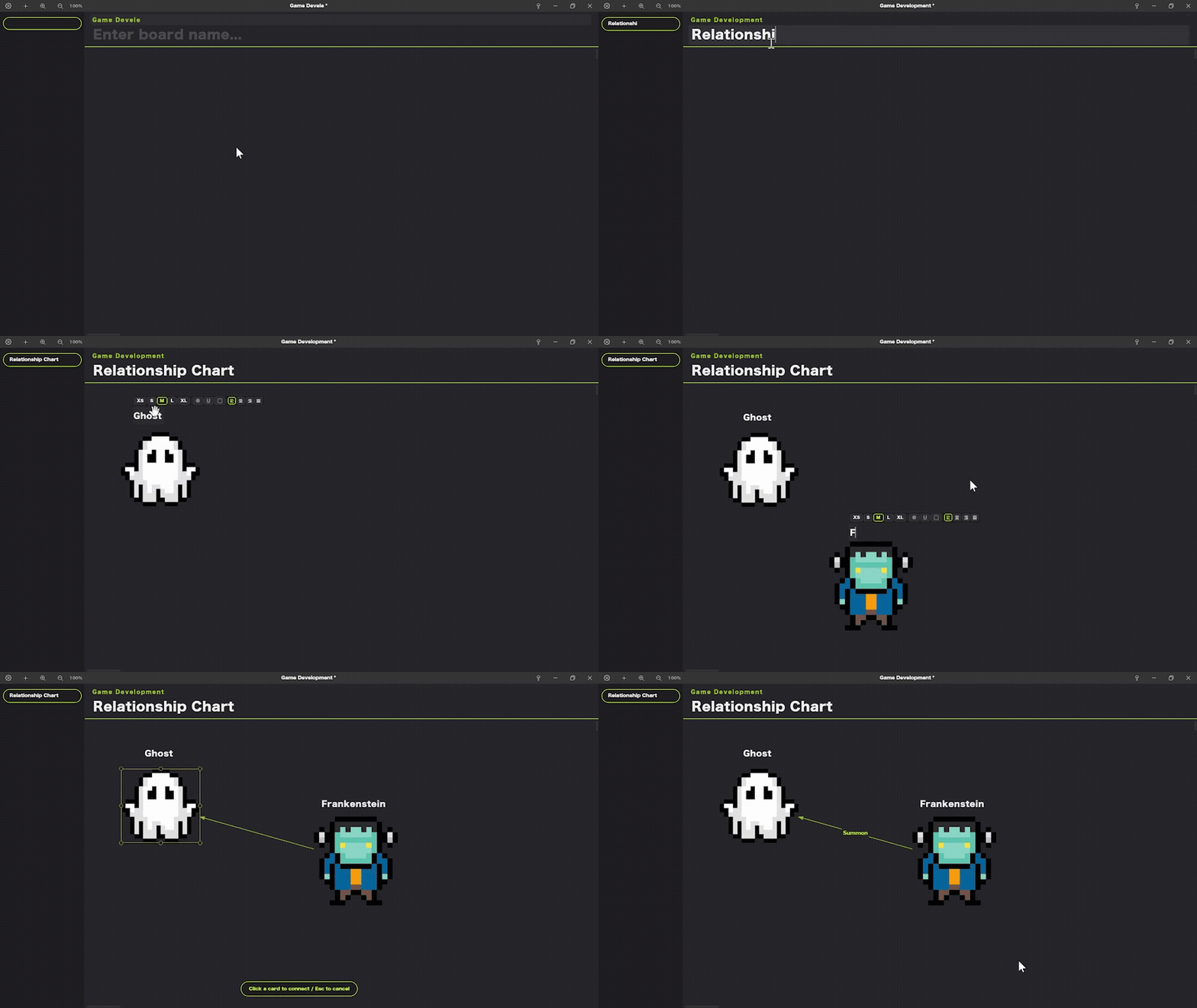
Free placement
Place text and images anywhere on the board.
Double-click to start typing, and paste images and text from the clipboard.
Everything can be dragged to reposition after placing.
Tabs & folders
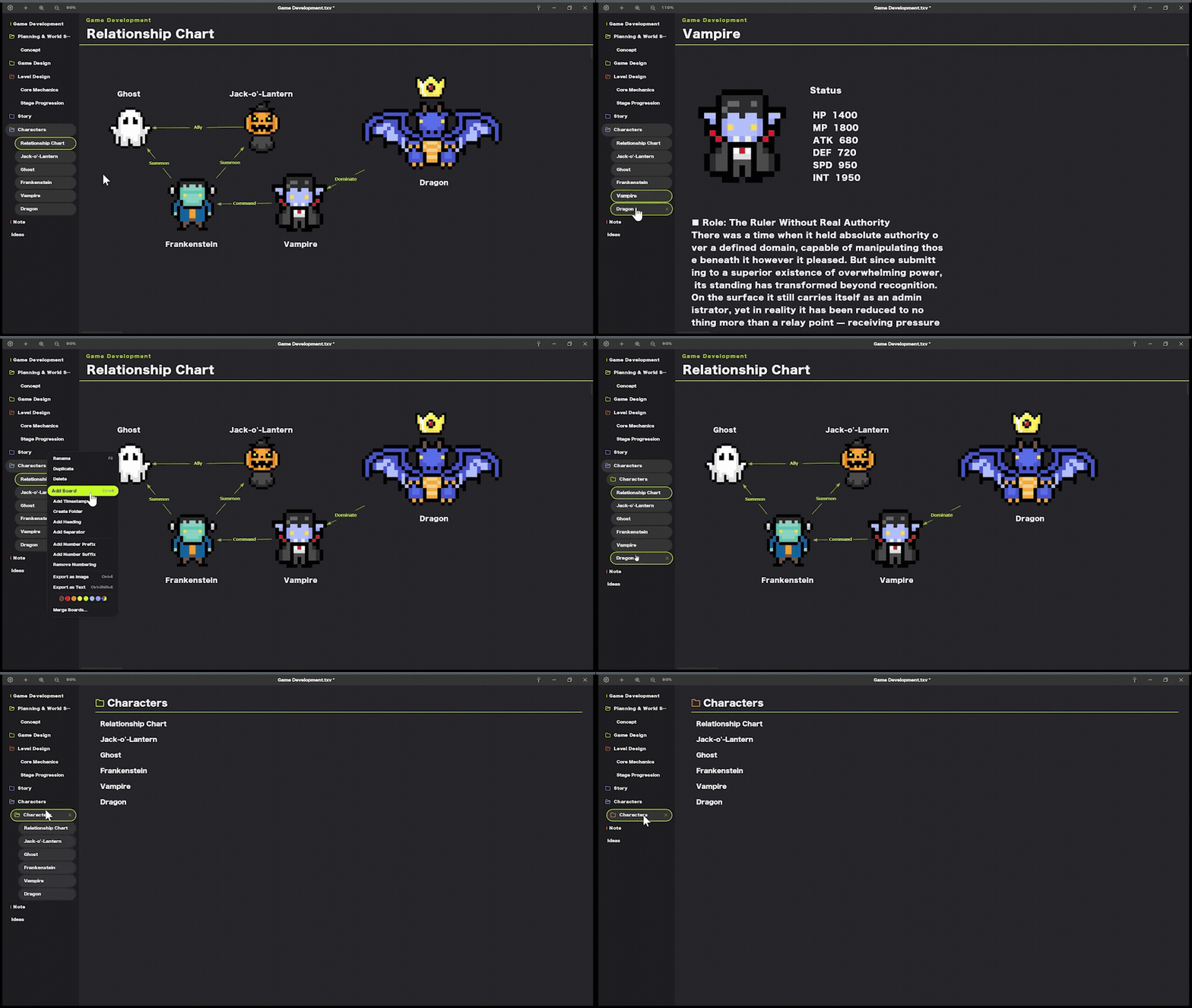
Manage multiple boards with tabs and organize them into folders.
Duplicate and reorder tabs to keep everything sorted by purpose.
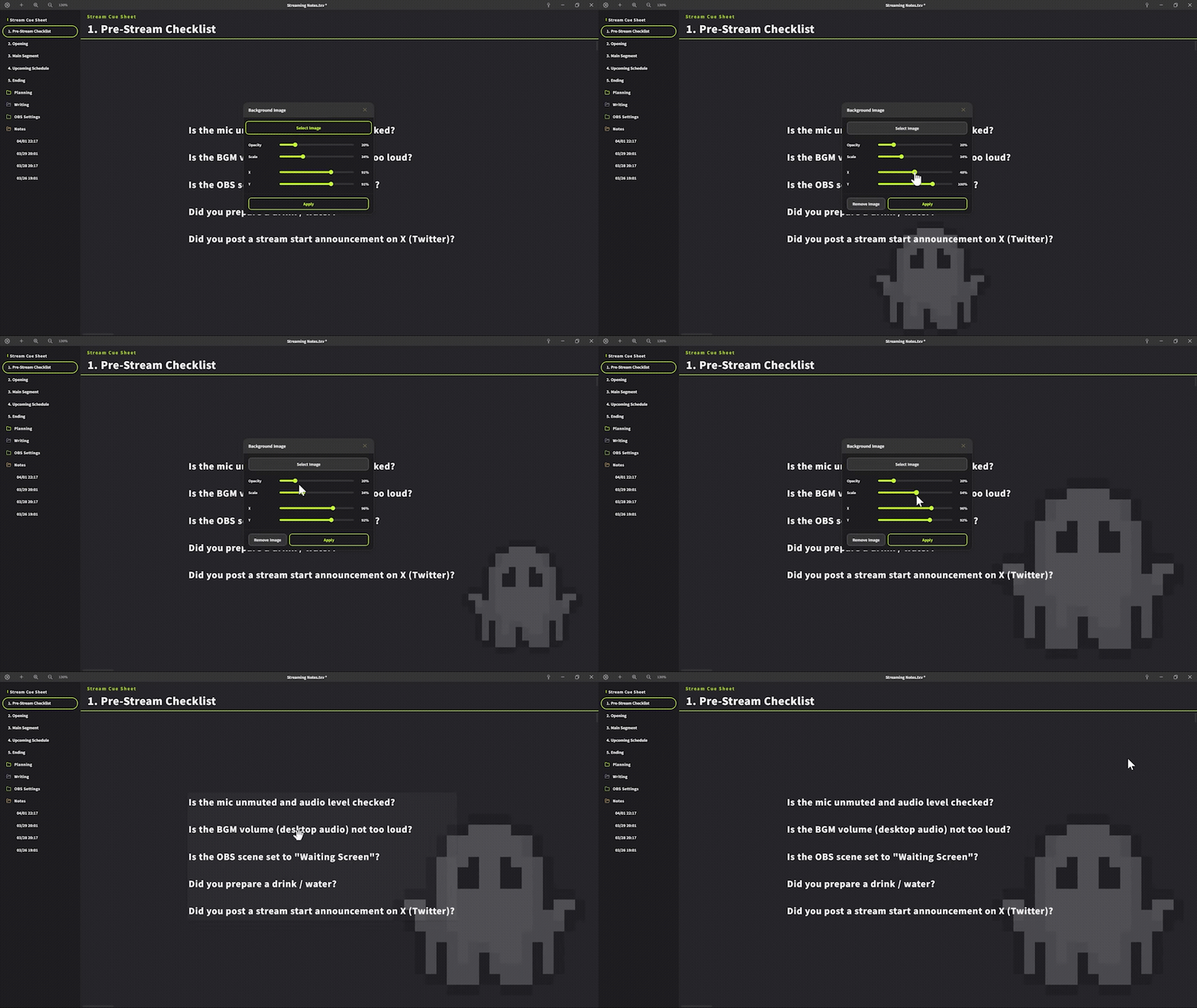
Highly customizable UI
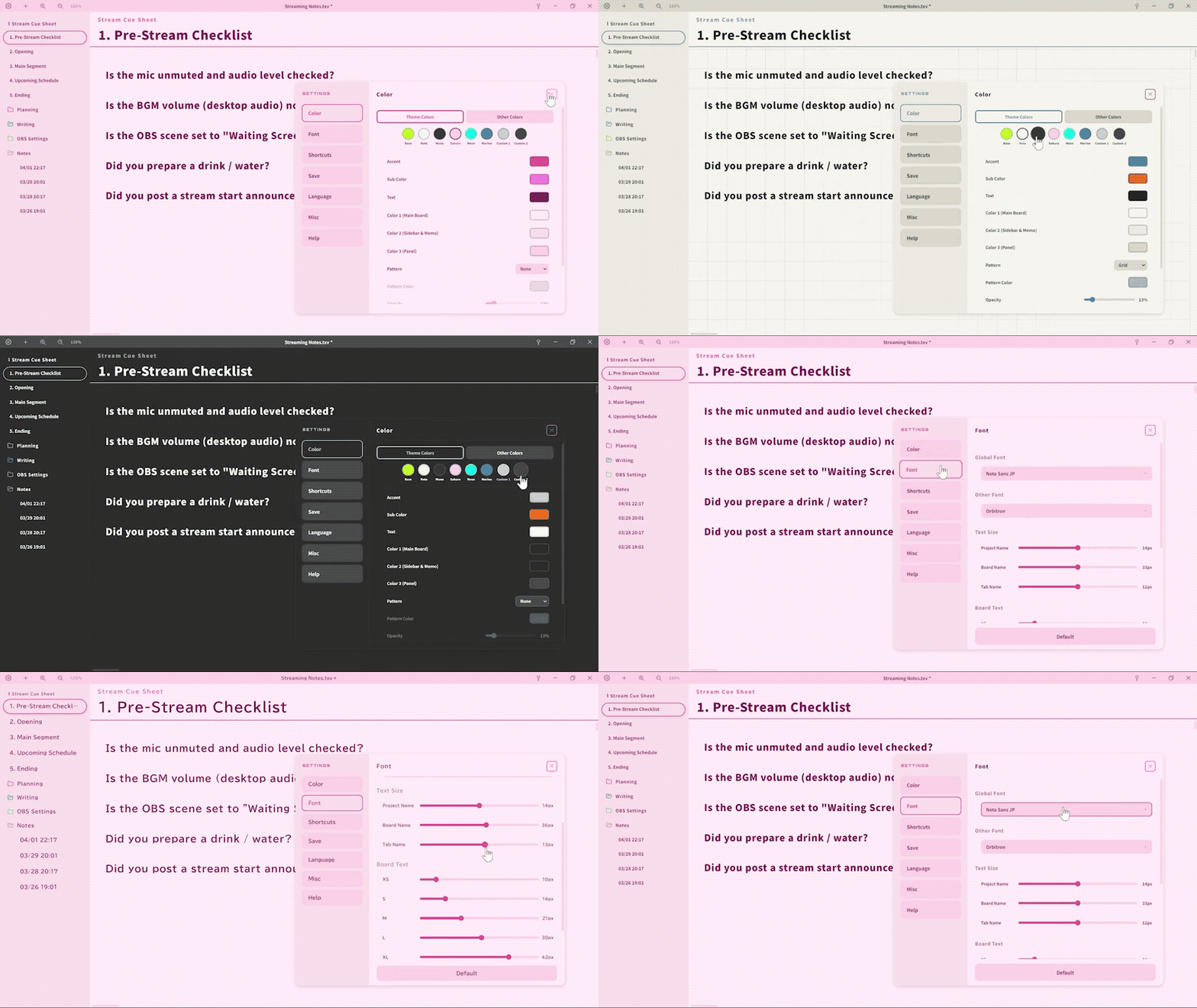
Comes with built-in themes like Dark, Monochrome, Sakura, and Notebook.
Choose any font installed on your PC and adjust its size.
Customize the look to match your work and taste.
UI scale & zoom
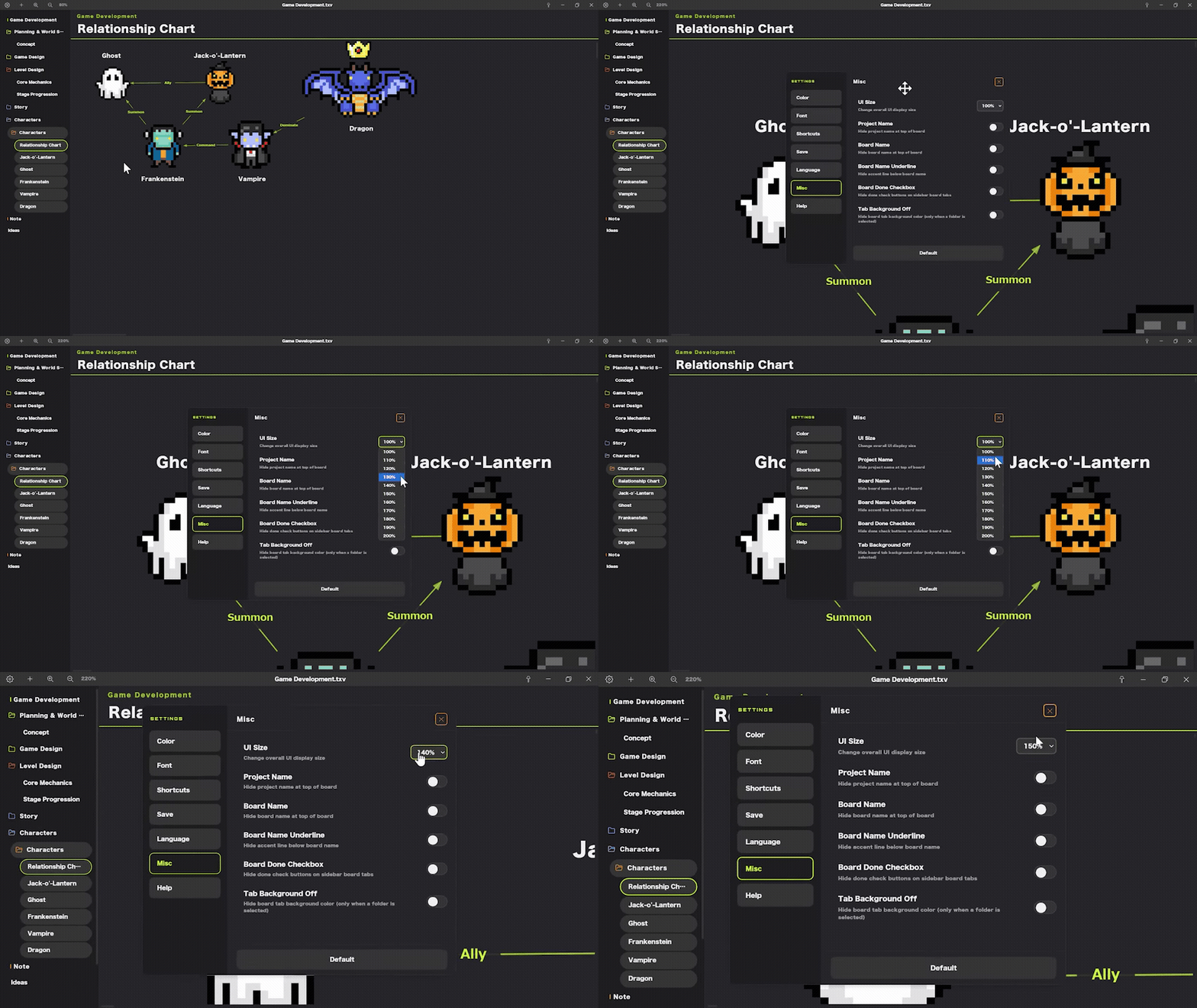
Adjust the UI size from 100% to 200%, with board zoom controlled separately.
Scale it to fit anything from a 4K monitor to a small laptop.
Export
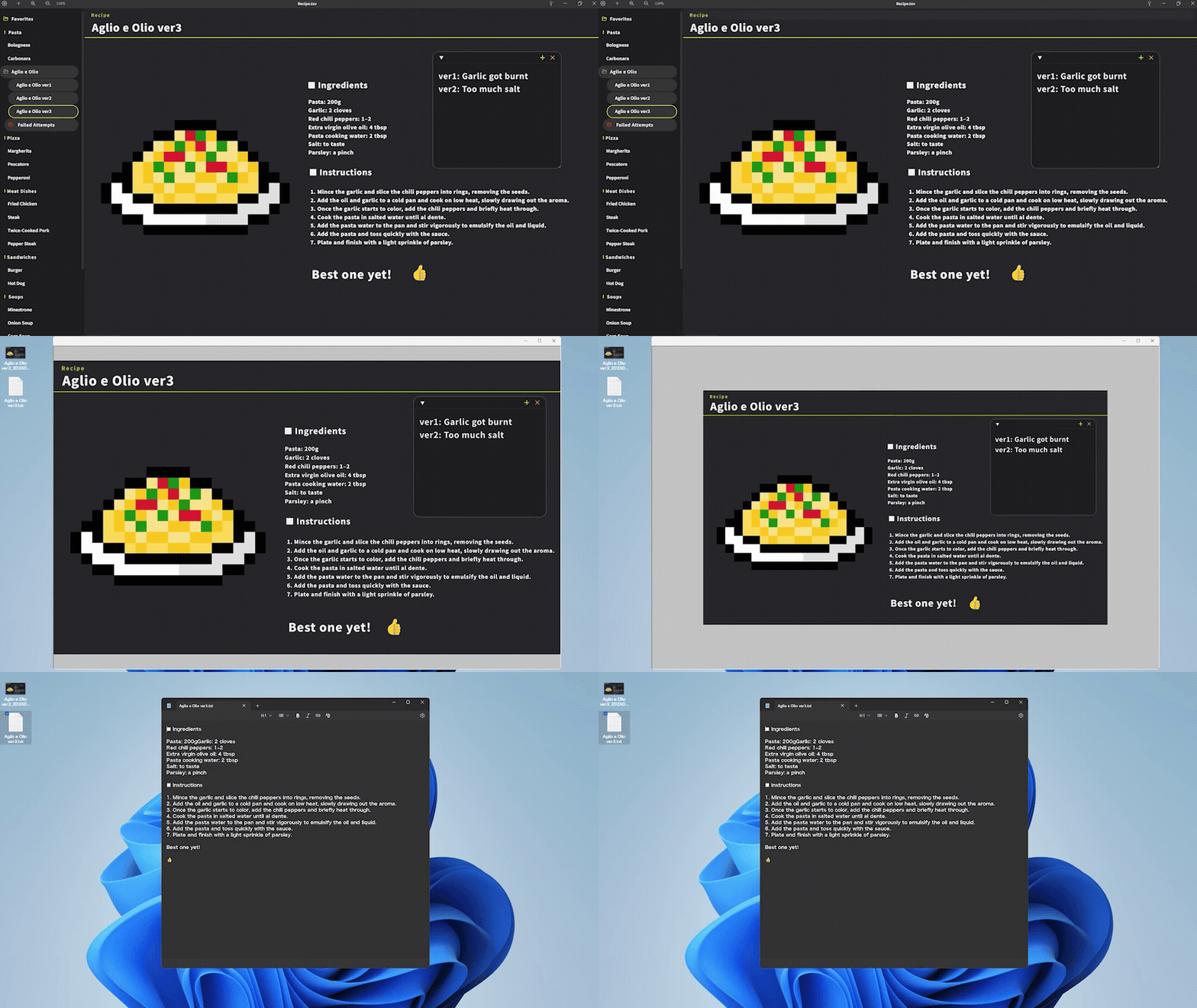
Export your finished board as an image (PNG) or text (TXT).
You can also export and import your settings.
Animated GIF support
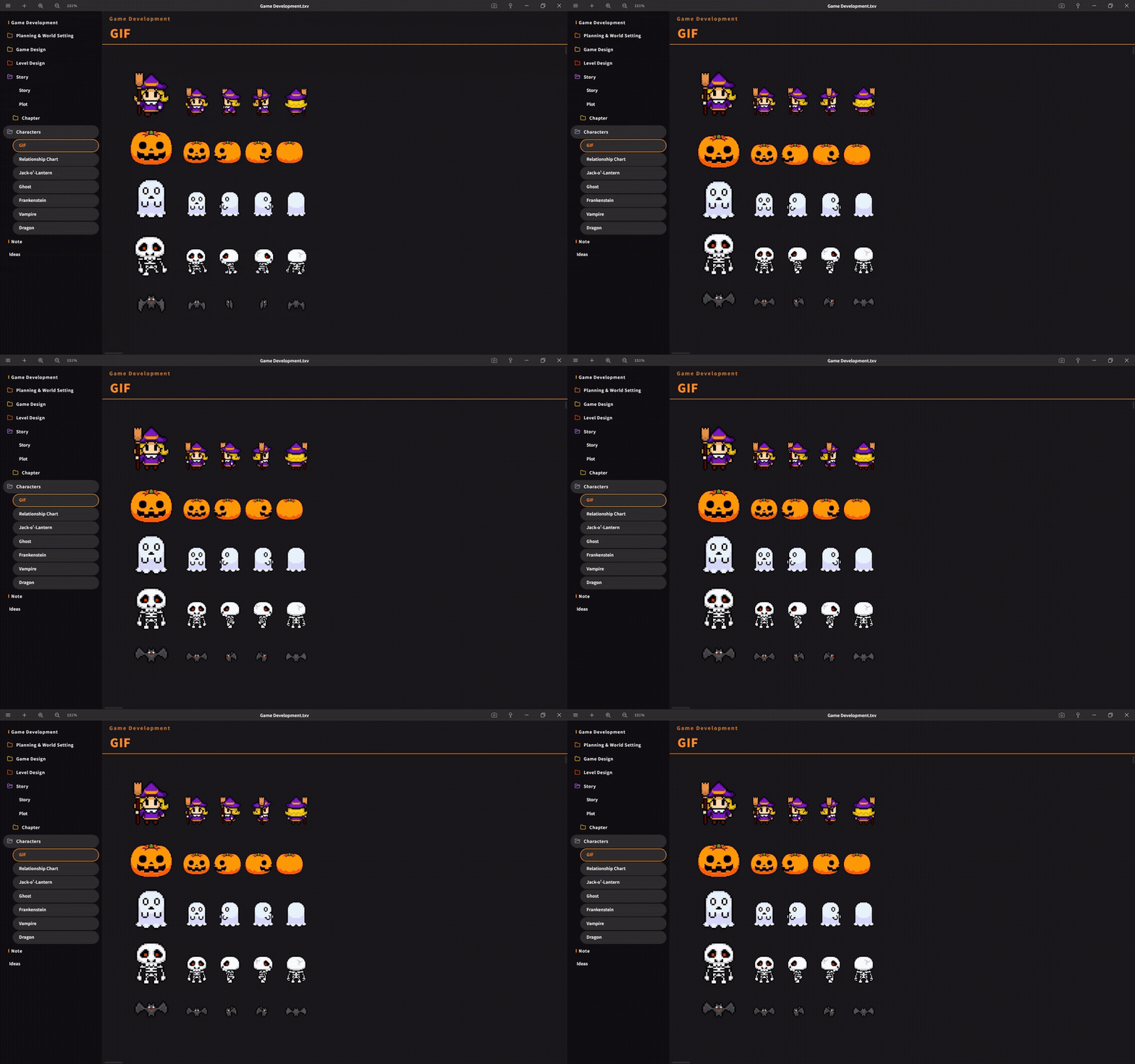
Pasted GIFs play right on the board.
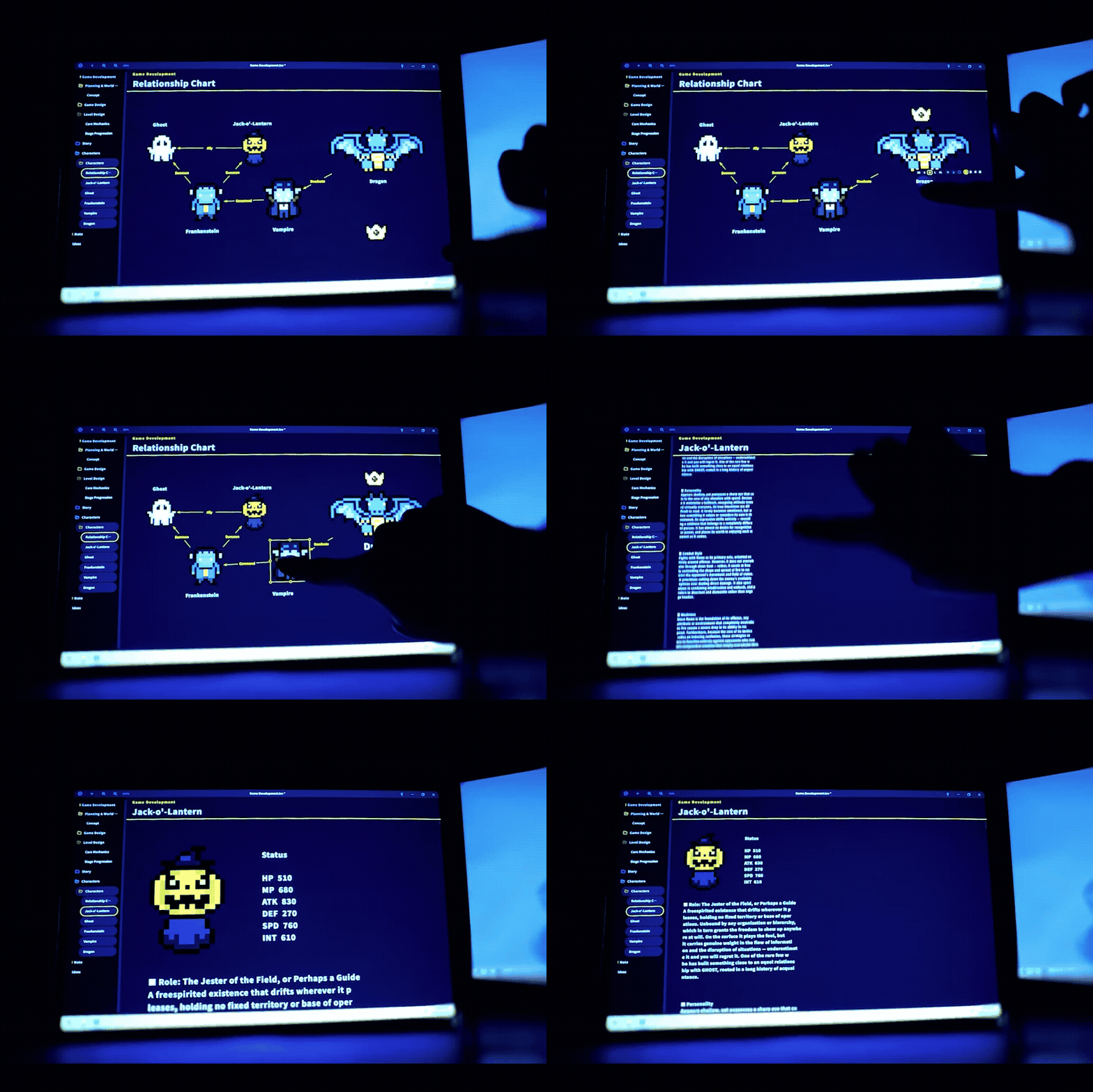
Touch support
Supports swipe and pinch in/out for zooming, panning, and scrolling.
Works with finger touch on tablet PCs and touchscreen monitors.
Run from external devices
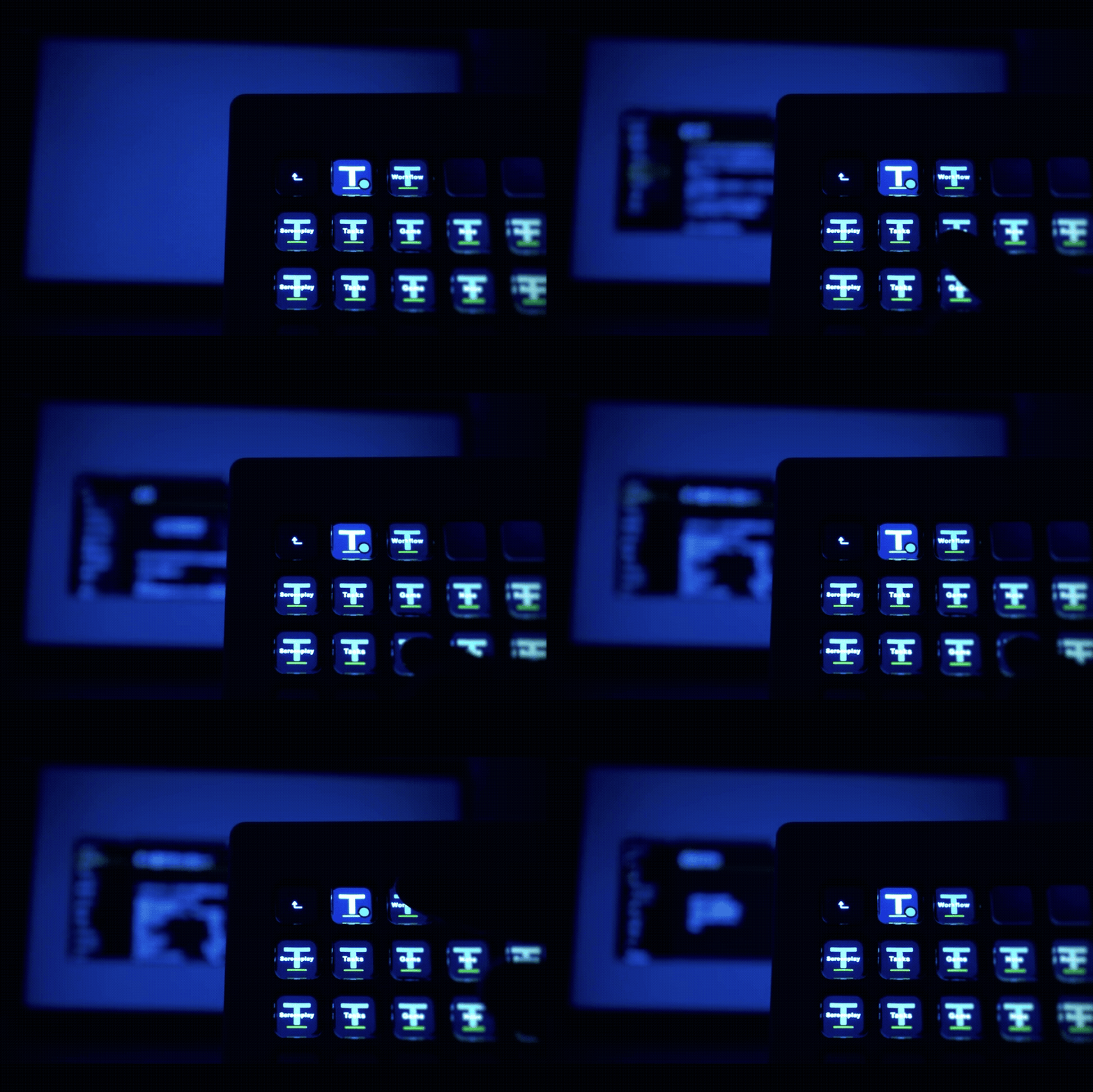
Projects are saved in the custom .txv format.
Register a project to an external device to open it instantly.
An icon is included.
Multilingual
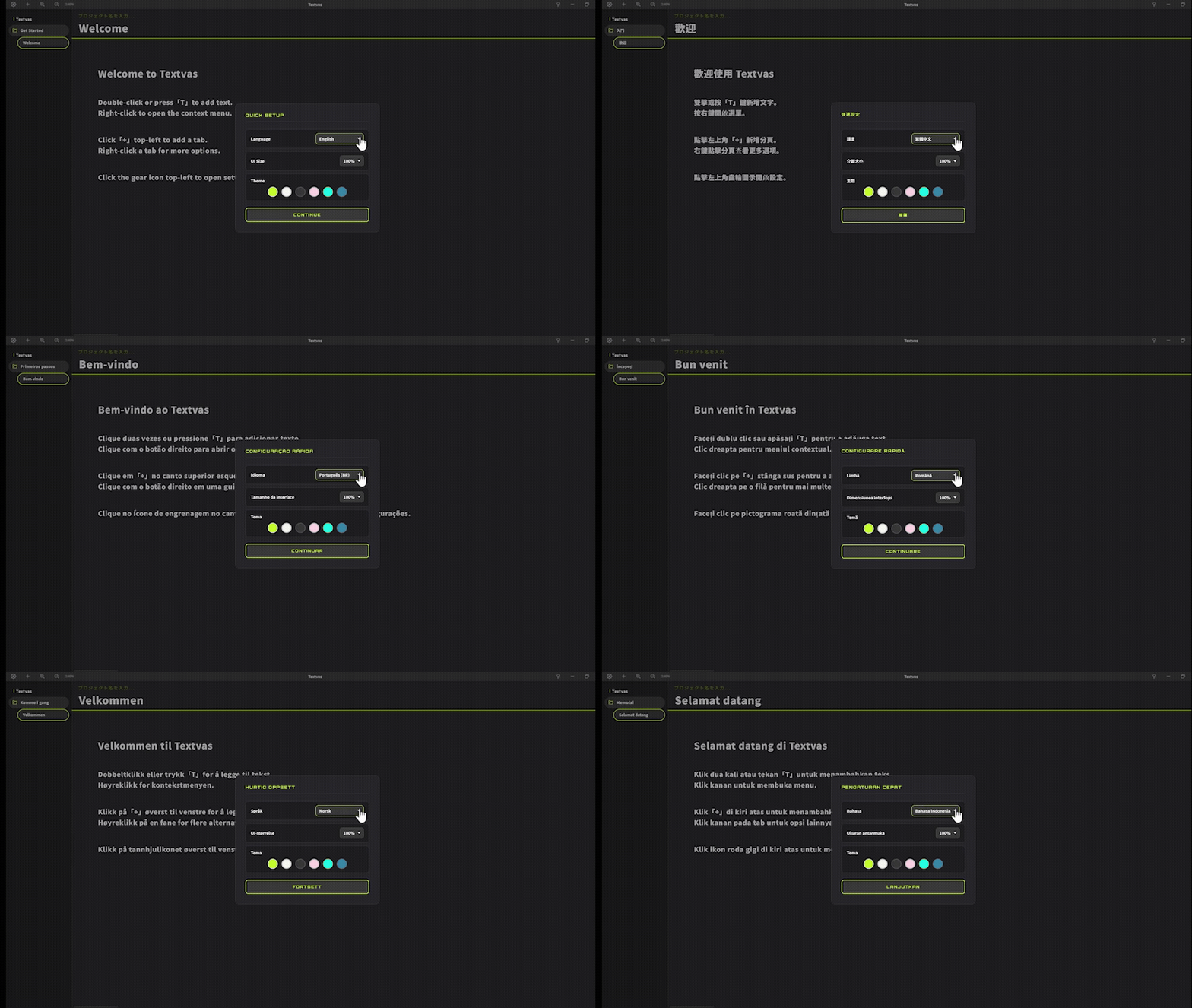
Available in 29 languages (UI only). Switch anytime from the in-app settings.
Node editor (for creators & game development)
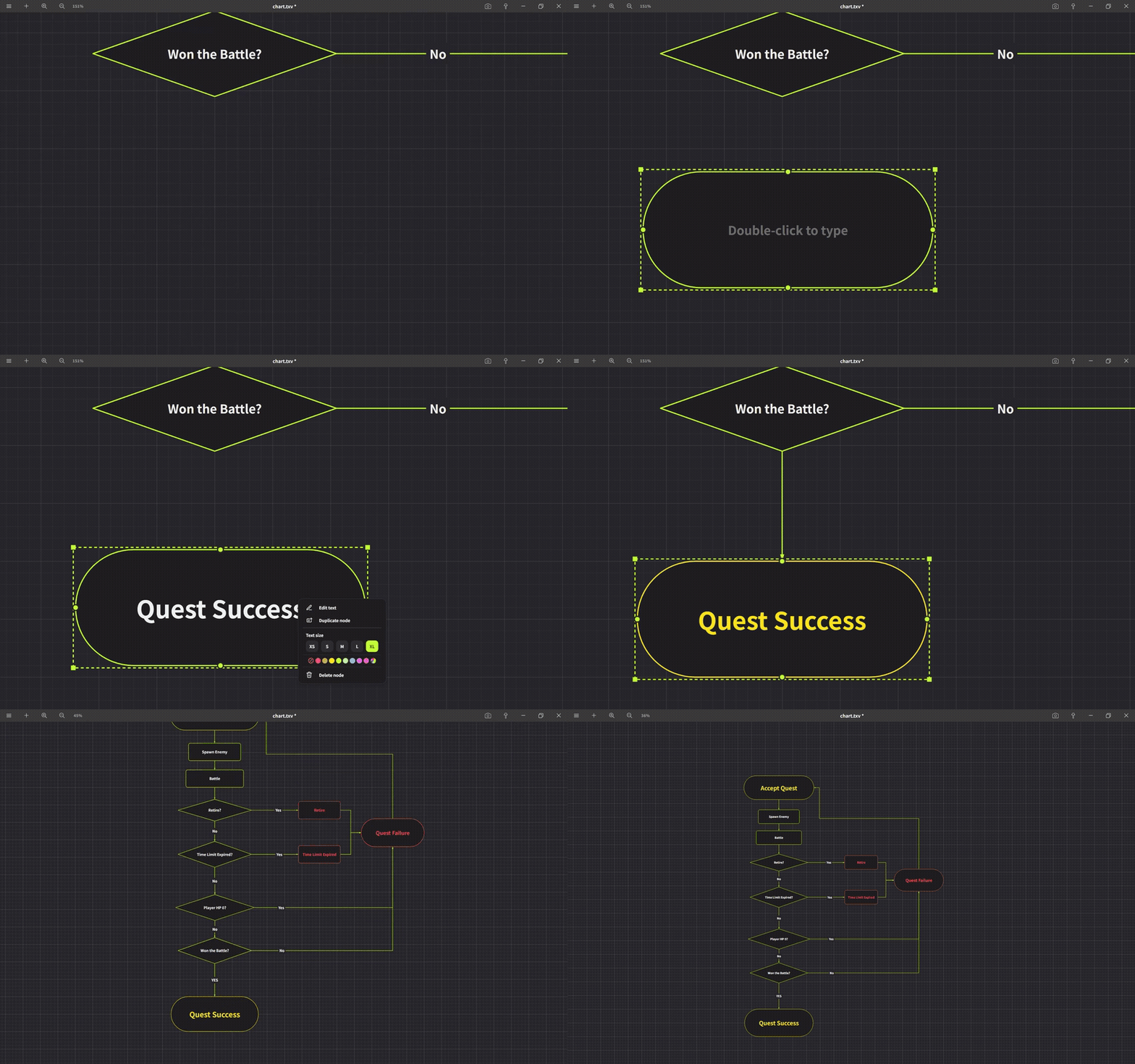
Connect nodes to diagram processes or conversations.
Use two types of nodes depending on your needs.
Dialogue nodes
Lay out conversations and lines as nodes to organize the flow.
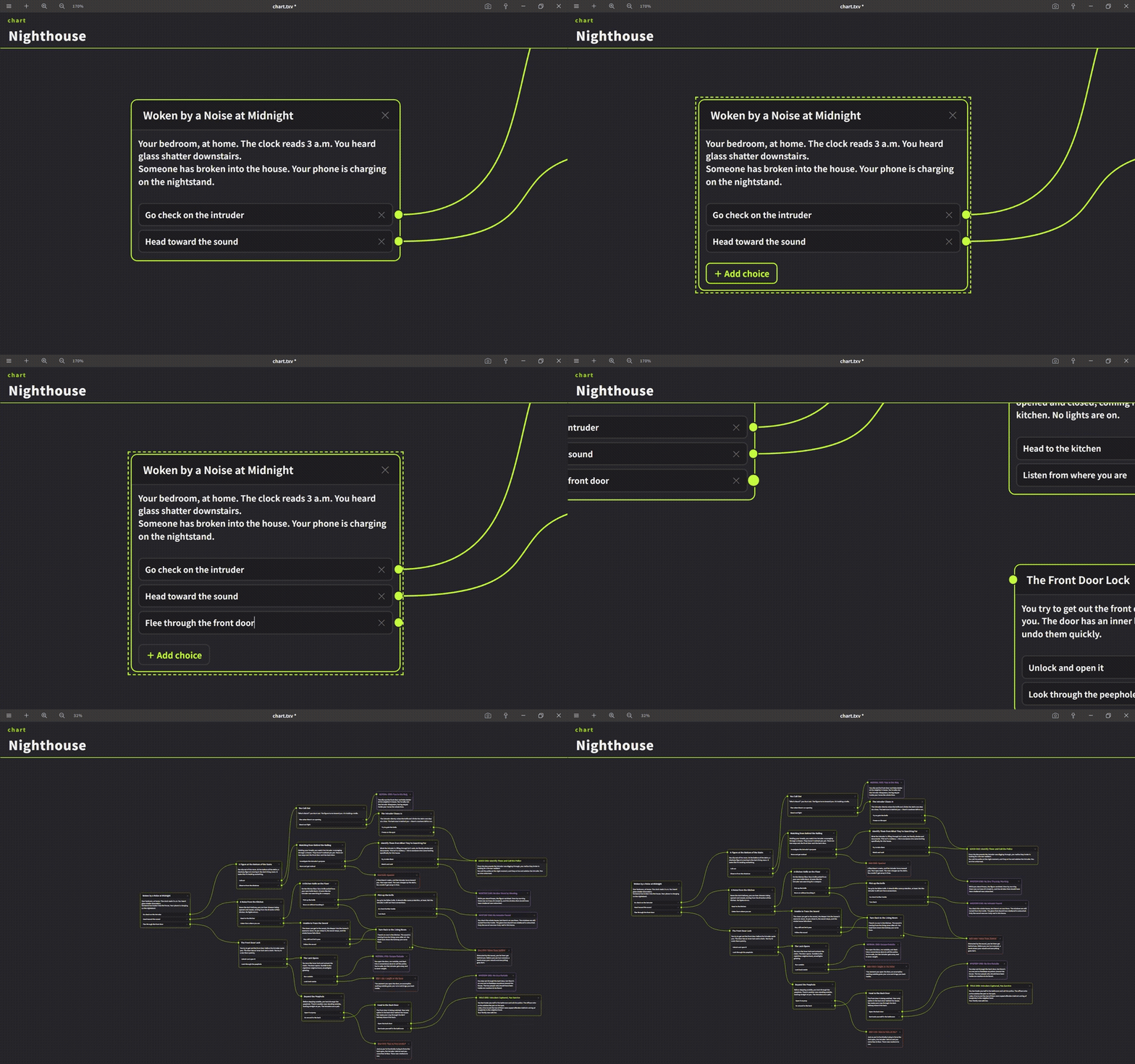
Flowchart nodes
Diagram logic and branches by connecting nodes like rectangles and diamonds.
Runs locally ── No internet connection required. Your data is saved locally as .txv files.
One-time purchase ── Not a subscription. Buy once, use it forever — updates included free.
More features
- Auto-align, grouping, connectors, guides / print guides
- Text editing (split, lists, line breaks, Markdown removal, timestamps)
- Search across all boards, focus mode, file view
- Material window, GIF playback, image display adjustments, batch optimization
- Export (PNG / text / print guide / ZIP with images and JSON)
- Auto-save, timestamped backups, settings backup, shortcut remapping
- Screenshot capture
System requirements
- OS: Windows 11 (64-bit) — Mac / Linux not supported
- Internet: not required
- License: one-time purchase (free updates)
- Save format: .txv
Free trial
A free trial is available. Give it a try first.
▶ For more details, visit the official site.
About the Windows SmartScreen warning
Because this app is unsigned, Windows may show a “Windows protected your PC” message when you launch it. This does not mean the app is dangerous. Click “More info,” then “Run anyway” to start it.
The file distributed here was prepared by the developer, so you can proceed with confidence.
Purchase
In order to download this tool you must purchase it at or above the minimum price of $19.99 USD. Your purchase comes with a Steam key. You will get access to the following files:
Download demo